
 thinkshop
Photoshop, Illustrator and an AI generator. In one.
Stop bouncing between a PSD, an Illustrator file and a separate AI generator. thinkshop is one image studio: edit pictures in layers, design with shapes, icons and type, and make or change anything with words. Circle a part, say the change, and only that part changes.
Sign in with your thinkjoin account. New here? Create one in a minute.
Three apps, one studio
Everything you'd bounce between. In one document.
The old way was a picture in Photoshop, the logo and the type in Illustrator, a new image from an AI site, then export, import and do it again. Here they are all layers of the same picture, and you change any of them at any time.
Photoshop for the picture → Illustrator for the logo and type → an AI generator for the new shot → export, import, repeat.
One document. The photo, the shapes, the type and the image you described with words, layer on layer, saved as you go.
The picture
Layers, selections, real tools.
Move, size and turn every layer. Select with a lasso, a magic wand or quick select, then fill, cut out, erase or invert. Remove a background or an object, key a colour, upscale. Open a layered PSD, hand back a layered PSD.
- Layers
- Lasso · Magic wand
- Remove background
- PSD in and out
The design
Shapes, icons and type.
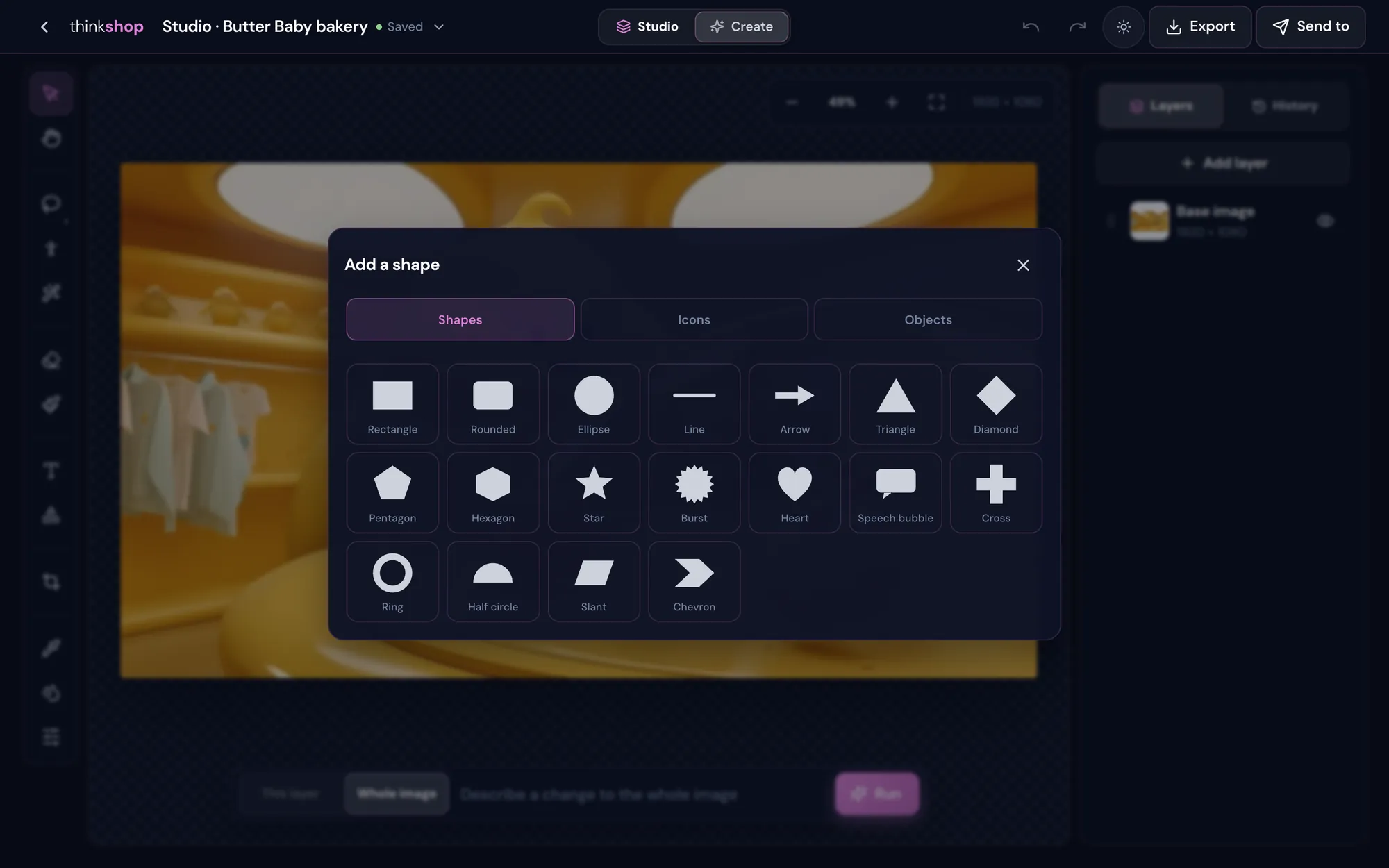
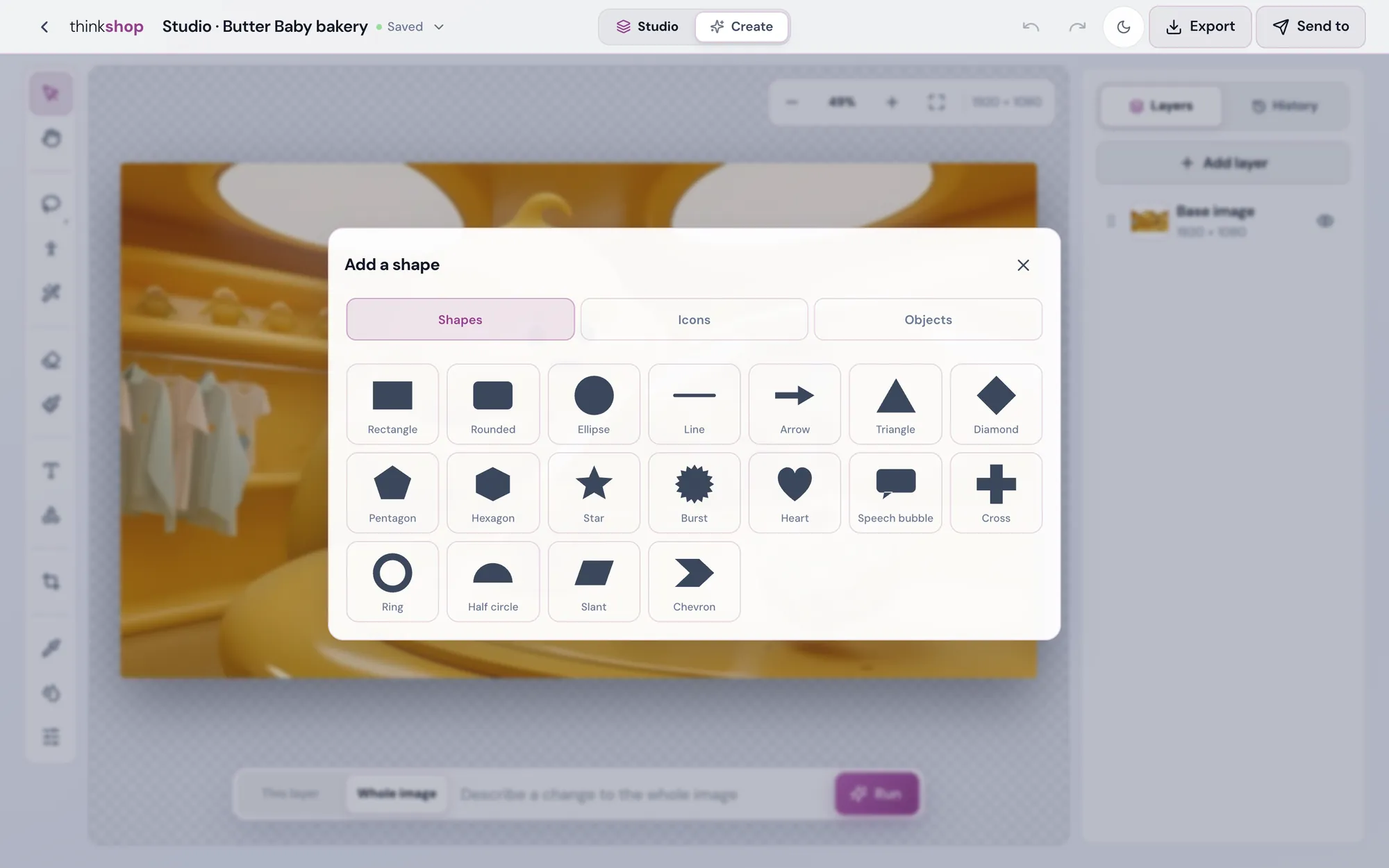
18 shapes and lines, 1,555 icons, and objects you find by name as a picture or a solid silhouette. Fill, outline, shadow and glow. Type you can warp and bend, with 888 materials and 16 3D styles.
- Shapes · Icons
- Warp · Bend
- 888 materials
- 3D / 4D type
The words
Make it, or change it, by saying it.
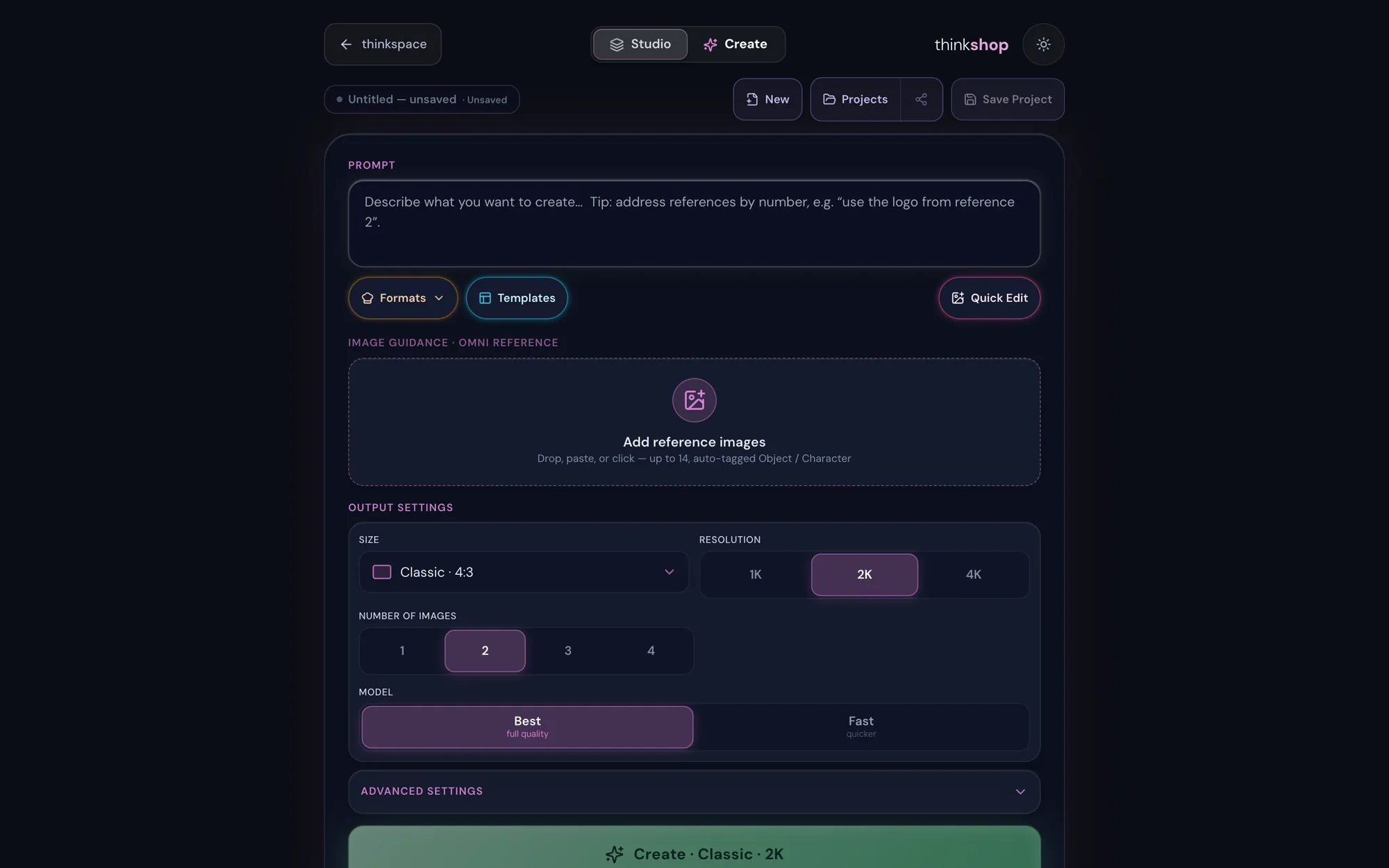
Describe a picture and Create makes up to four, with up to 14 reference pictures. Or type a change for the whole image, one layer, or only the part you circled, and the rest stays exactly as it was.
- Create
- Inside the circle
- 1K · 2K · 4K
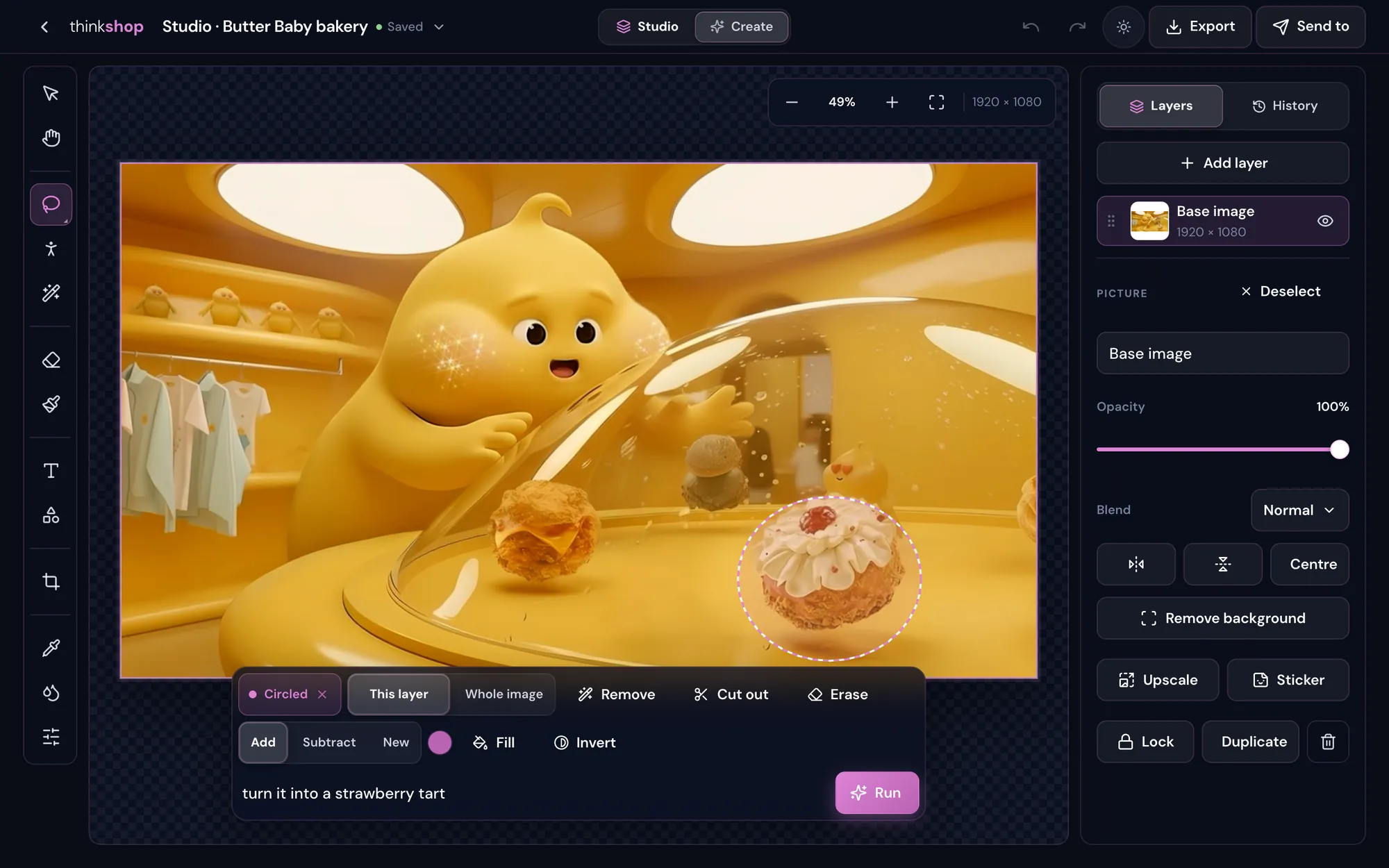
Circle it, say it
Change one thing. Leave the rest alone.
Circle the part you mean, or select it any way you like, and type what should happen there. Only the inside changes.
- Circle or selectLasso, rectangle, ellipse, polygon, magic wand or quick select. Add to it or take away.
- Then chooseRemove it, cut it out to its own layer, erase it, fill it or invert it.
- Or typeSay the change, press Run. Every change is a step you can undo in History.
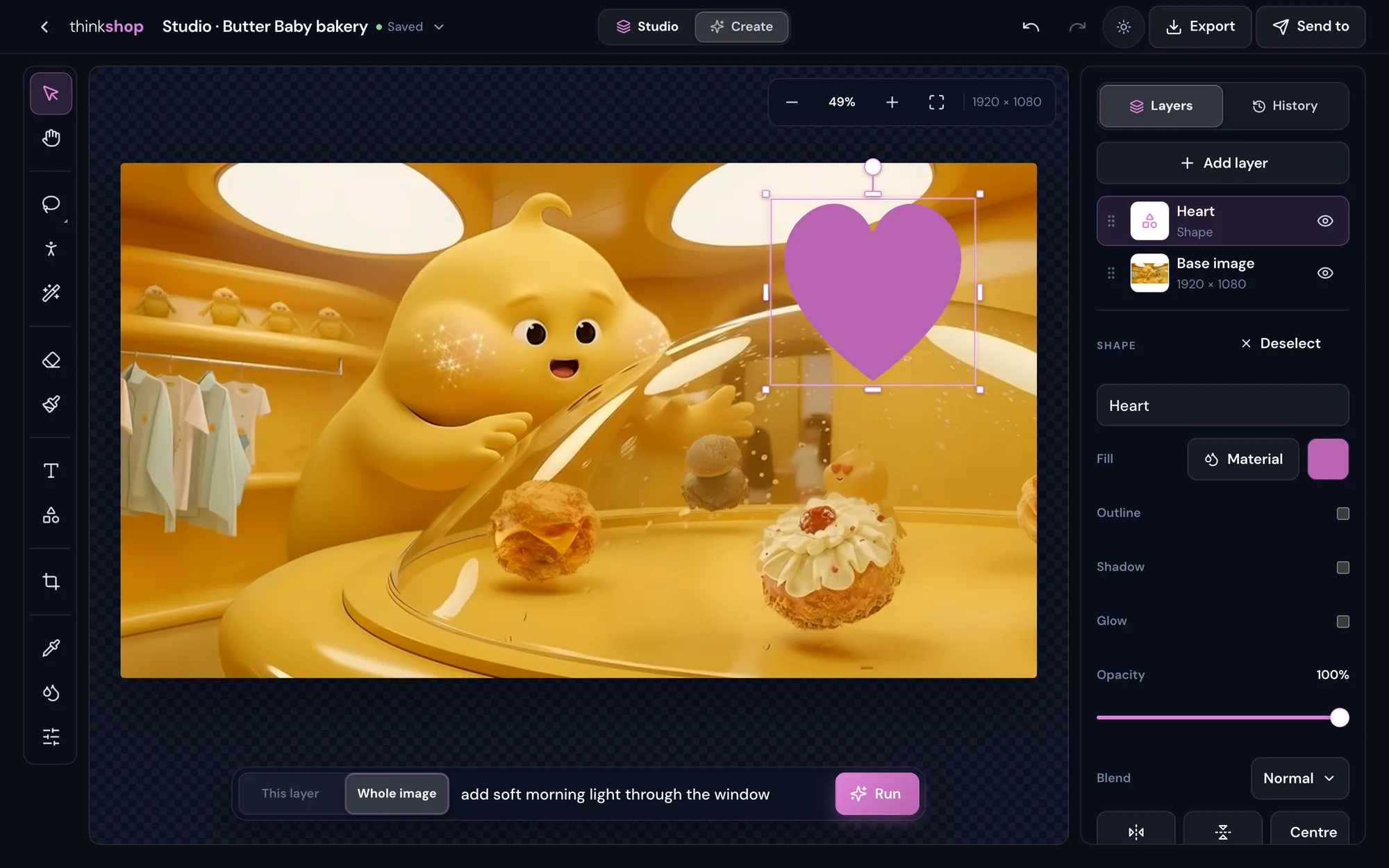
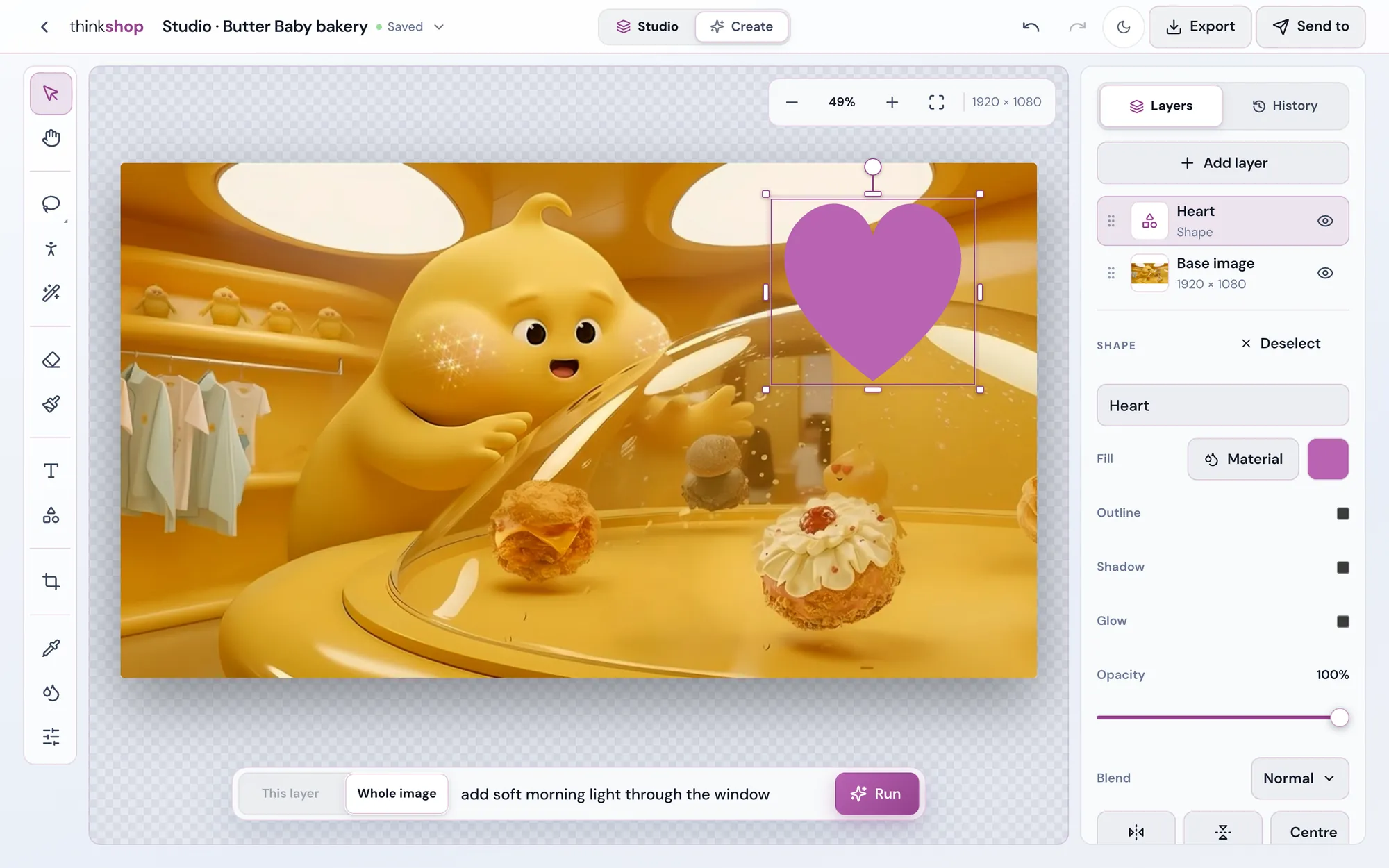
Whole image, this layer, or just the circled part: you choose where the words land.
One press does it
The picture tools, one tap each.
Pick a picture layer and its tools are right there. Every change is a step in History, so you can always go back.
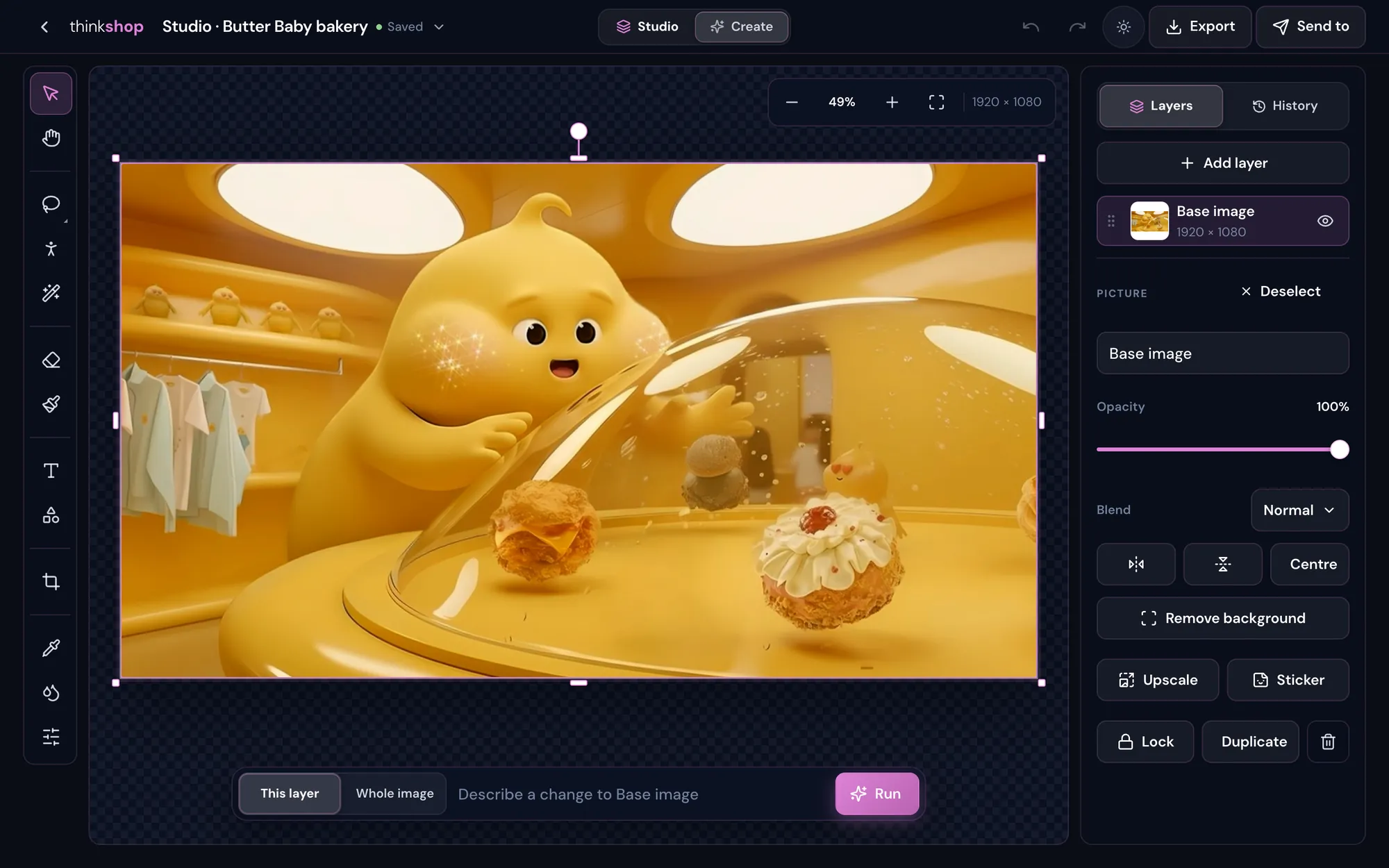
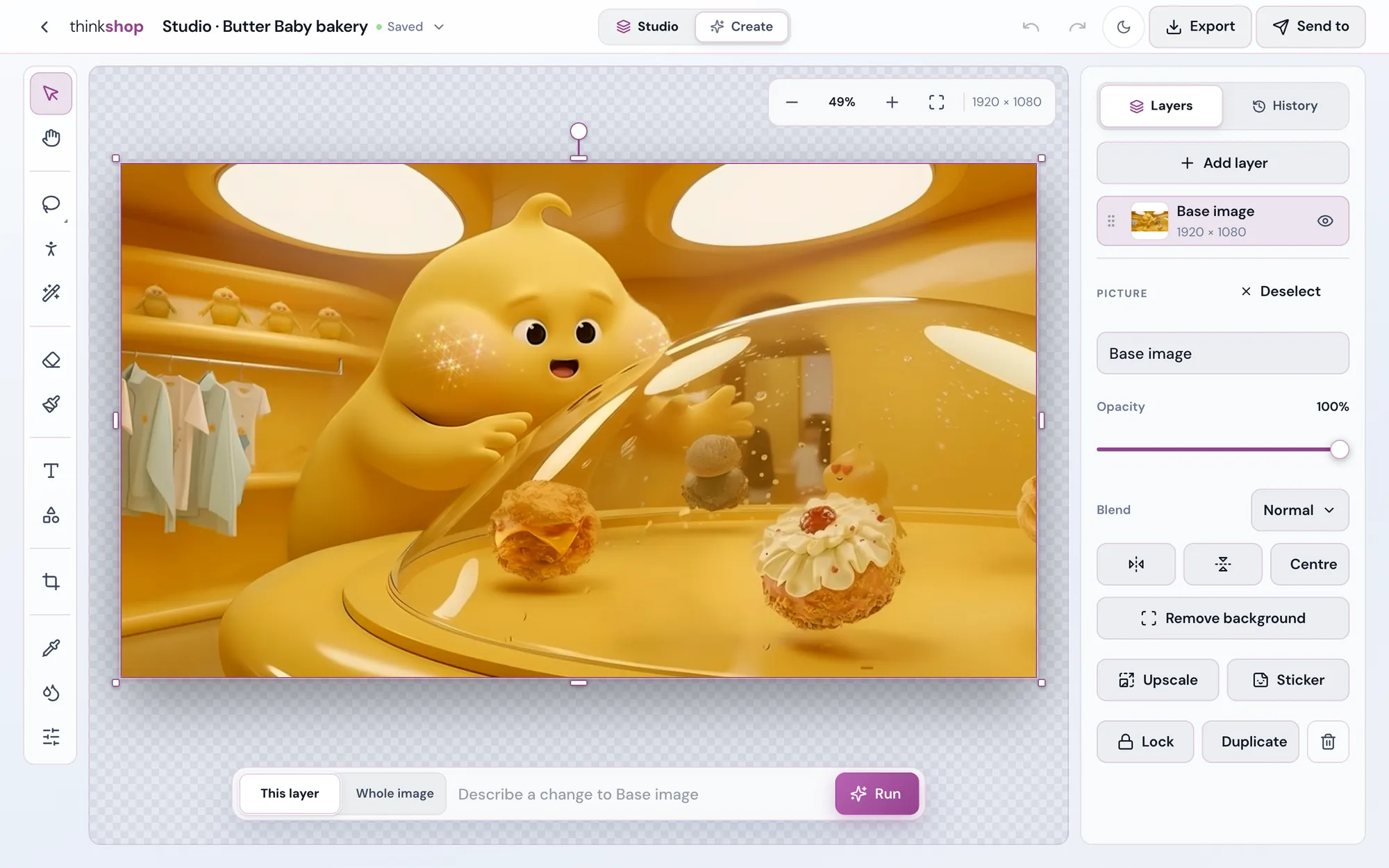
Remove background
Keep the subject, lose the rest, as a clean cut-out on its own layer.
Remove an object
Tap or circle something that shouldn't be there and it's gone.
Key a colour
Take out a green screen, or any colour you pick.
Upscale
A bigger, sharper picture lands in the same place.
Sticker
Make a sticker from the picture in one press.
Adjust and blend
Live adjustments, opacity and blend modes on every layer, plus flip, centre, lock and duplicate.
Text and shapes
Words that look designed. Shapes for anything.
Type straight onto the picture and edit it in place. Then make it yours.
- FontsThe whole font bank, in the weight you want.
- Text effectsSkew, warp, bend, spacing, outline, shadow and glow.
- Materials888 materials for letters and shapes.
- 3D / 4D16 dimensional styles for a headline.
- Shapes18 shapes and lines, 1,555 icons, and objects you find by name.
Create
Describe a picture. Get up to four.
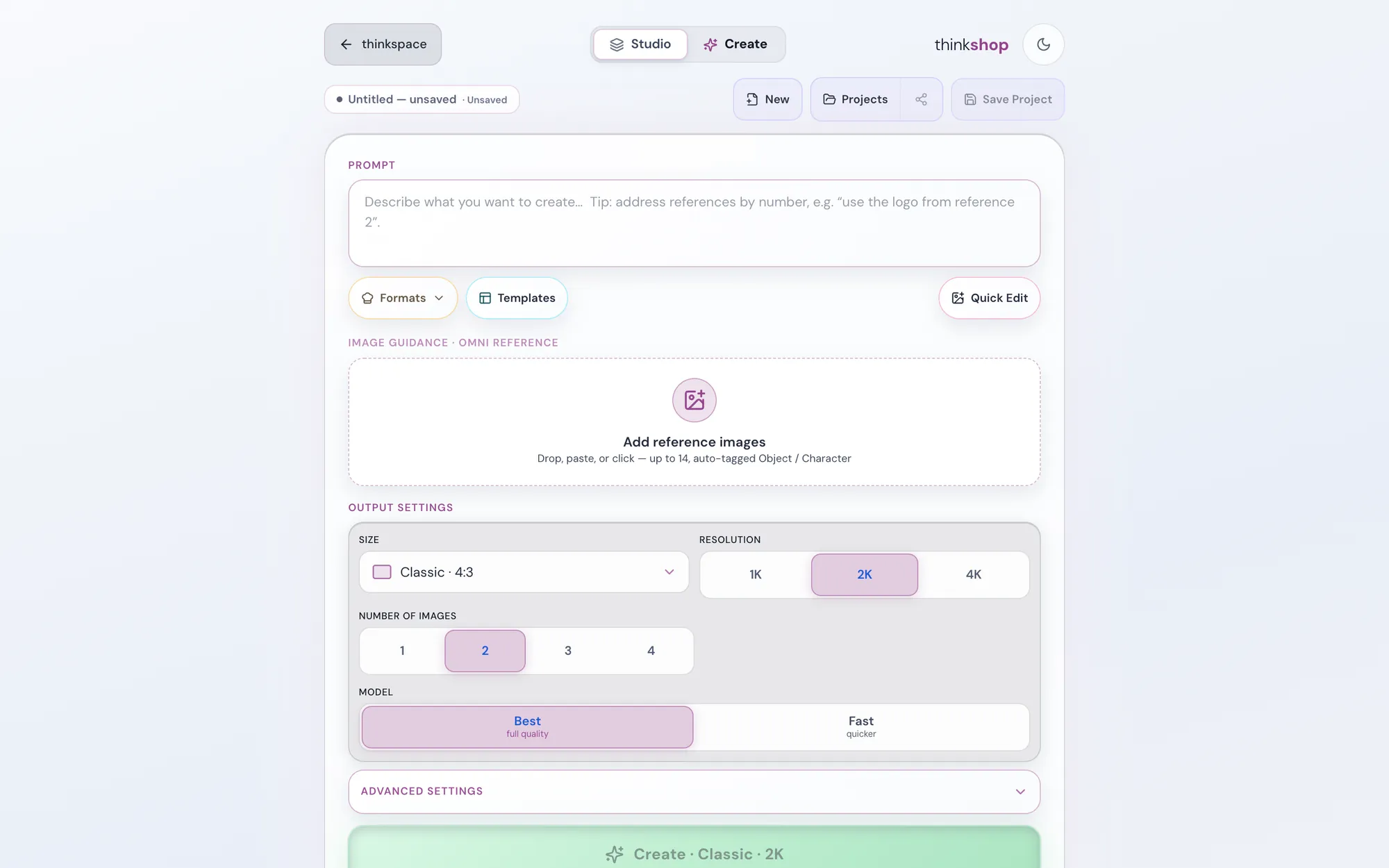
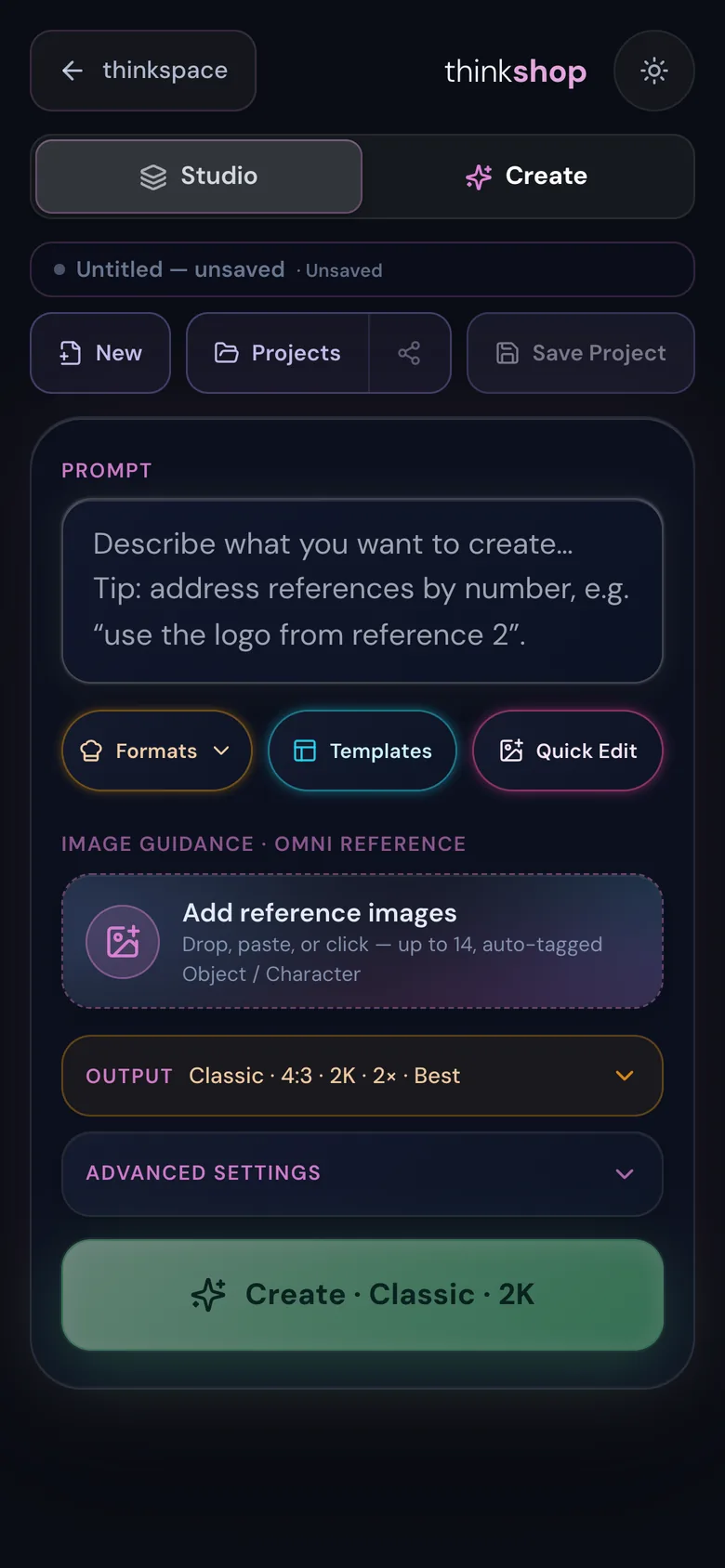
Switch to Create at the top. Say what you want, drop in reference pictures, and choose how it comes out.
- ReferencesUp to 14 pictures, each tagged so you can say "use the logo from reference 2".
- SizeChoose the shape, then 1K, 2K or 4K.
- How manyOne to four at a time, Best or Fast.
- Then editOpen any result in the studio, or change it with words.
Photoshop in, Photoshop out
Open a PSD. Hand back a PSD.
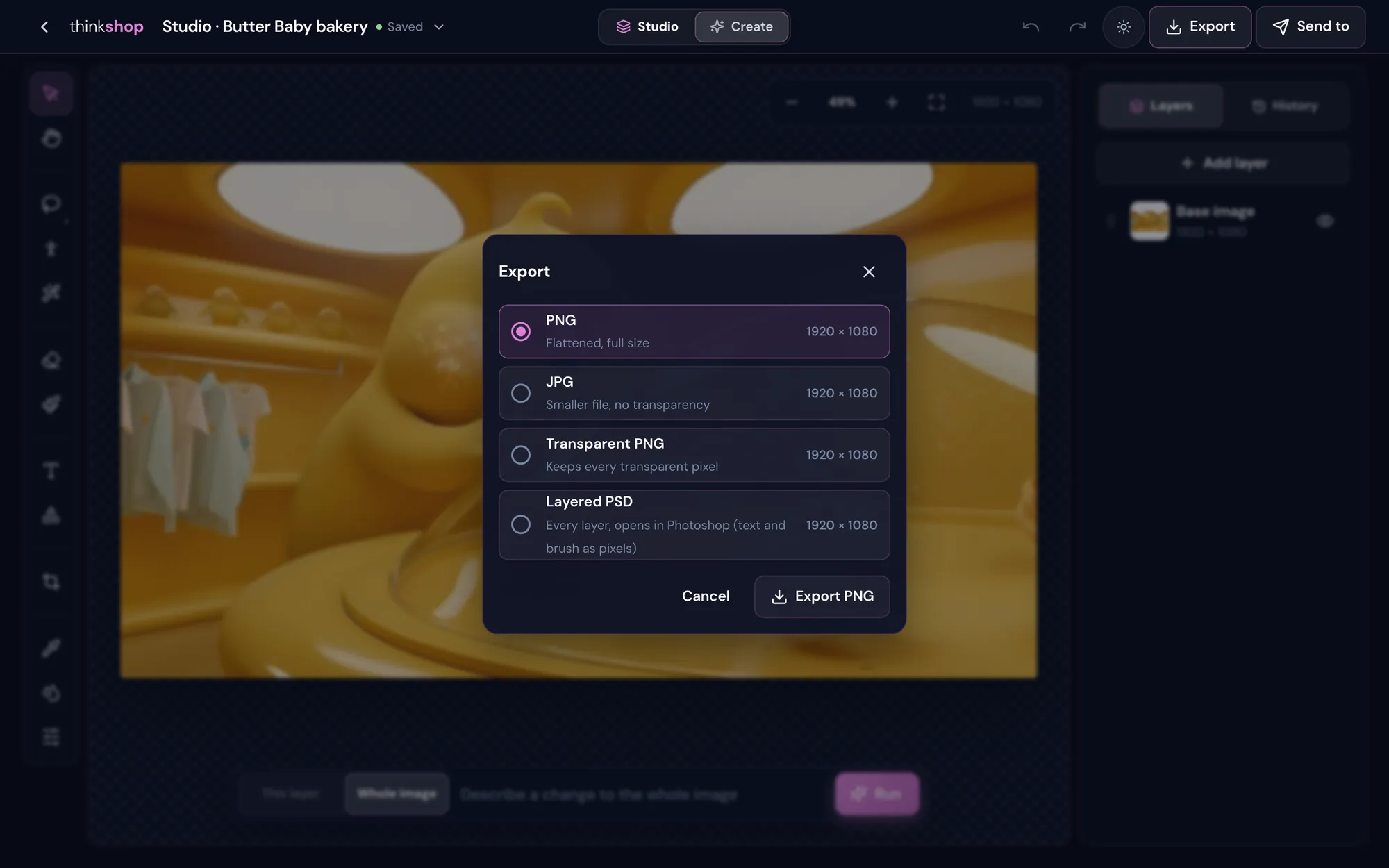
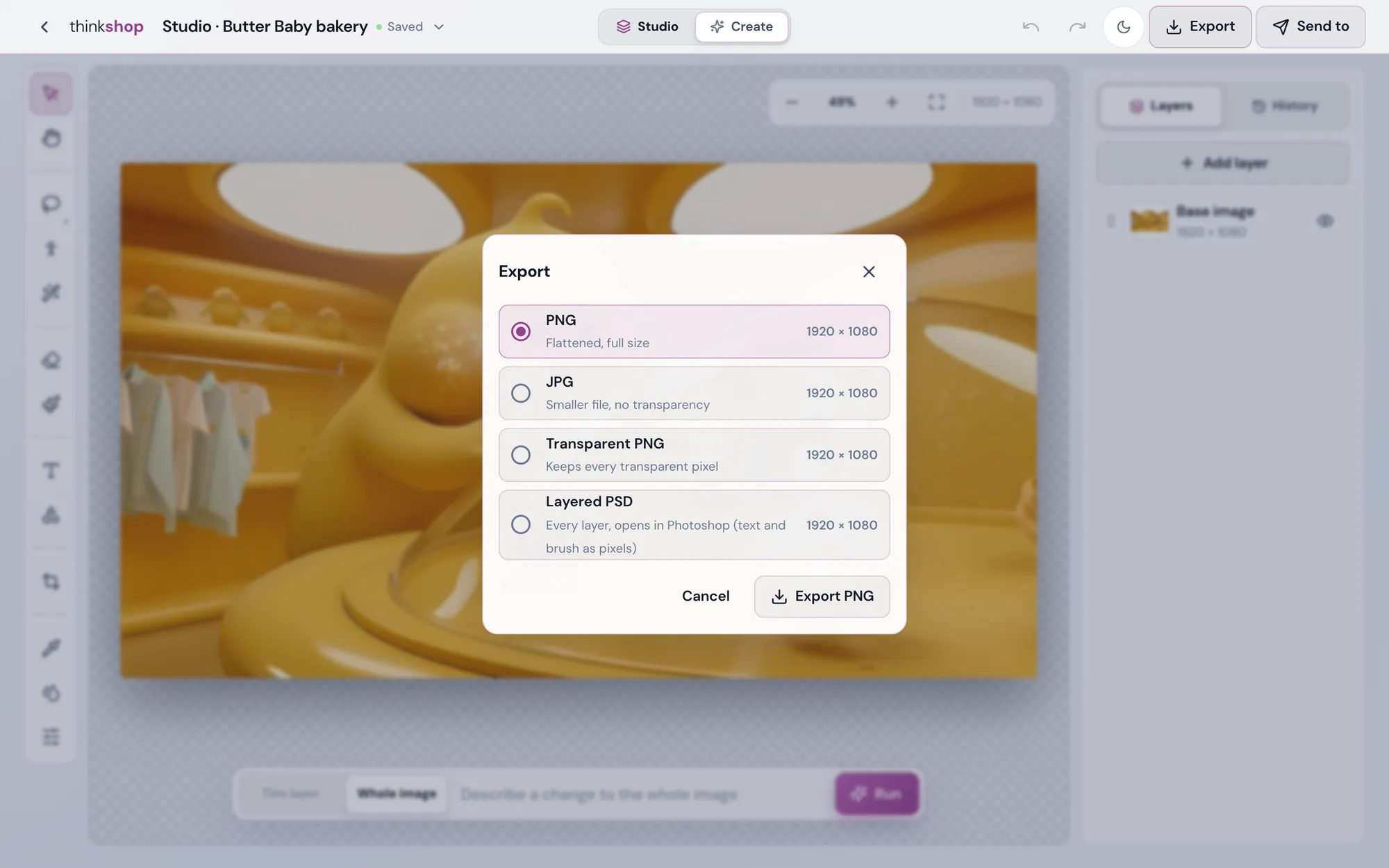
Open a layered PSD and every layer comes in as its own. When you're done, export a layered PSD that opens in Photoshop, or a PNG, a JPG or a transparent PNG.
- Layered PSDEvery layer, opens in Photoshop.
- Transparent PNGKeeps every see-through pixel.
- Saves as you goSave to this thinkspace files a final with the house mark.
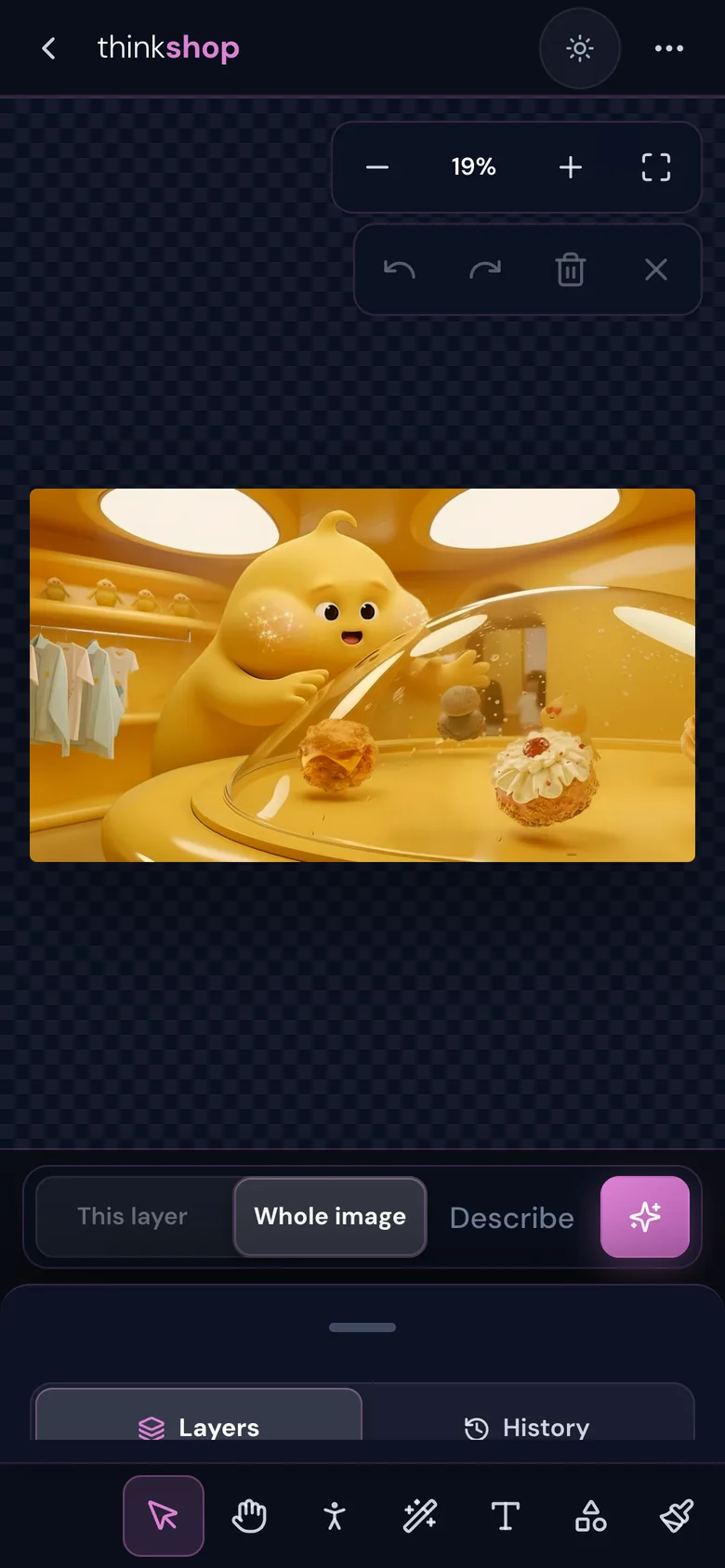
On your phone
The same studio, in your pocket.
Edit with your thumbs, say a change in the bar, or switch to Create and make something new.
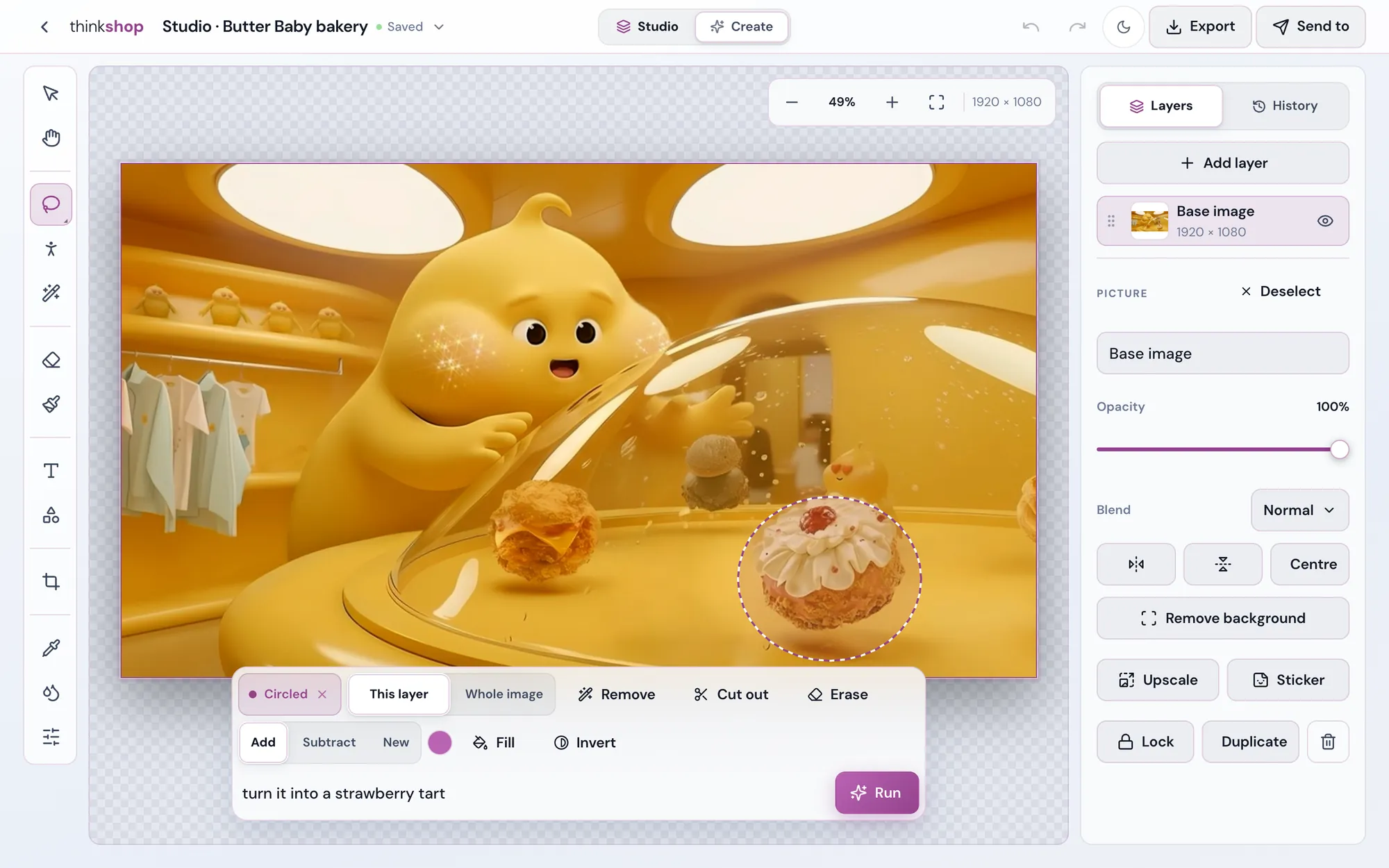
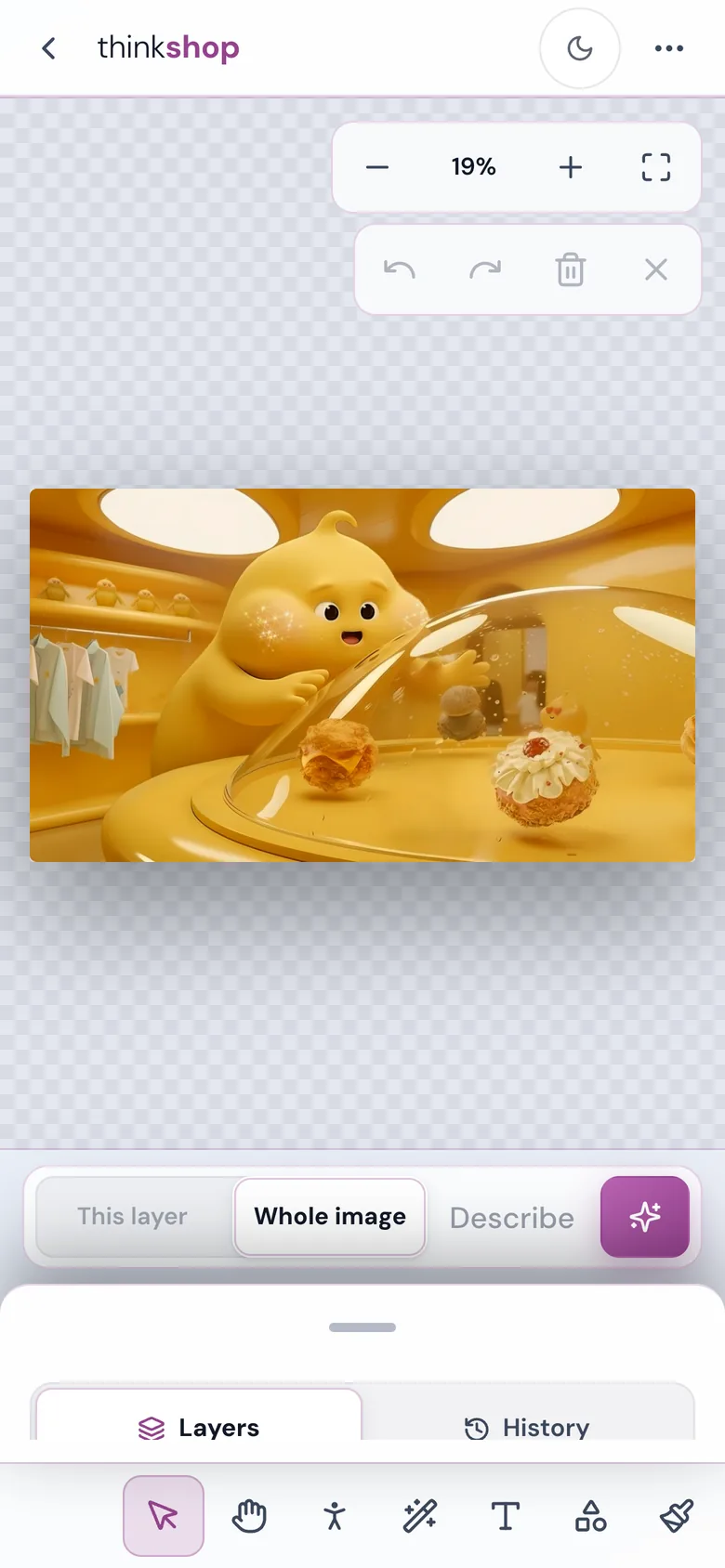
Light and dark
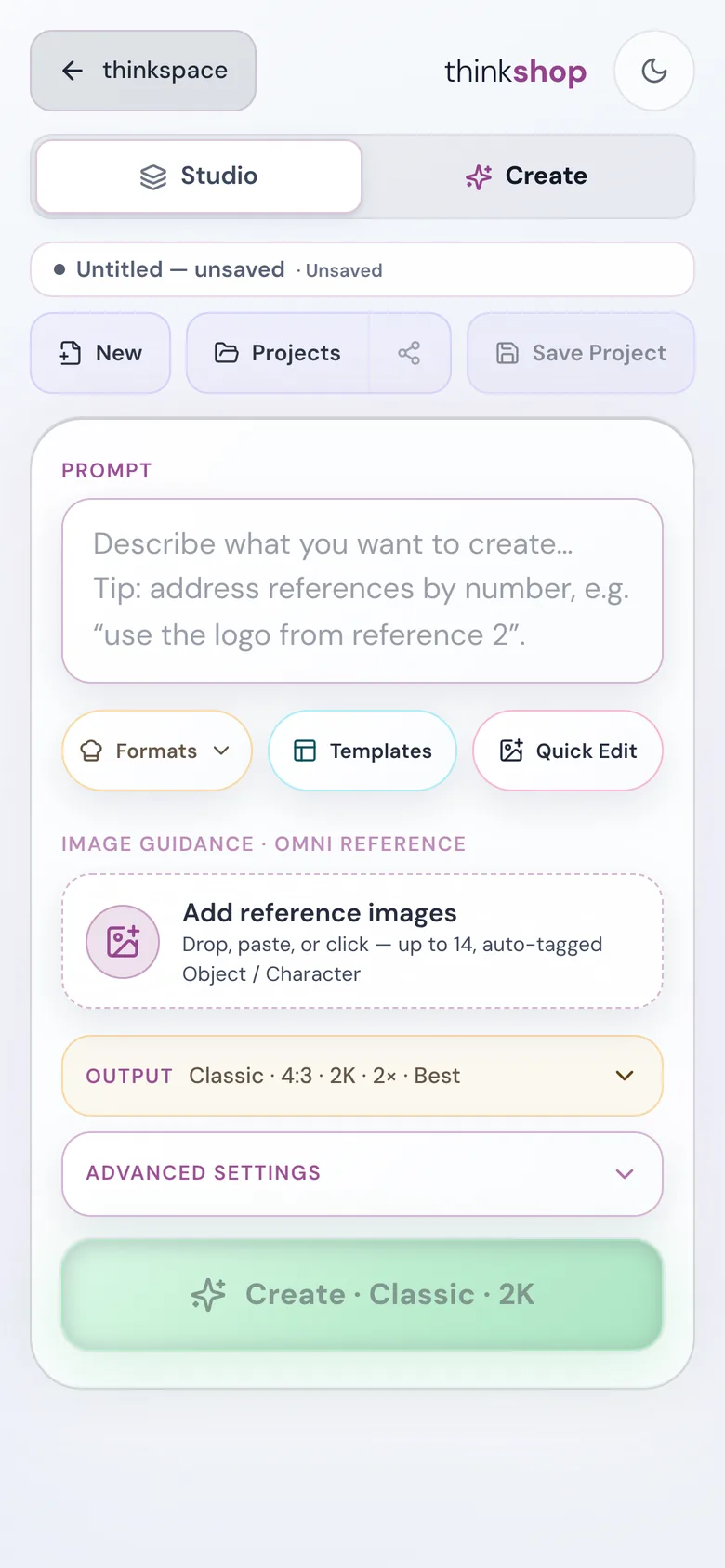
Light or dark. Your call.
One tap at the top of the studio. Drag across to see both.
DarkLight
Your picture, exactly how you said it.
Open thinkshop with your thinkjoin account, or create one in a minute.